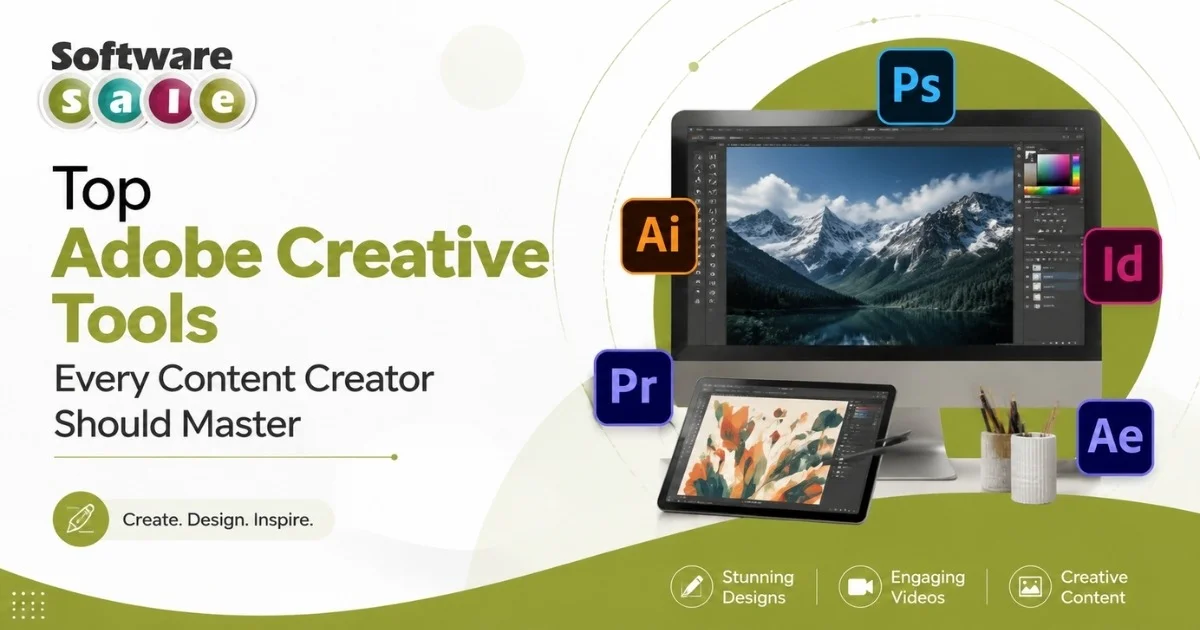
Content creation has never been more competitive, and the right software can make the difference between average work and standout output. Adobe Creative Cloud remains the industry standard, offering a connected set of apps built for photo editing, video production, design and social content. Knowing which tools to prioritise saves time, money and creative energy.
This guide breaks down the essential apps within the Adobe Creative Suite so you can build a toolkit that actually matches how you create.
How Adobe Business Solutions improve productivity
For most creators, Photoshop, Premiere Pro and Adobe Express cover the bulk of daily work, handling photo editing, video editing and fast social content between them. Illustrator and Lightroom are worth adding once your output scales across formats, giving you extra room for vector design, branding work and higher-volume photo batches without slowing down your workflow.
Photo and Video Editing Essentials
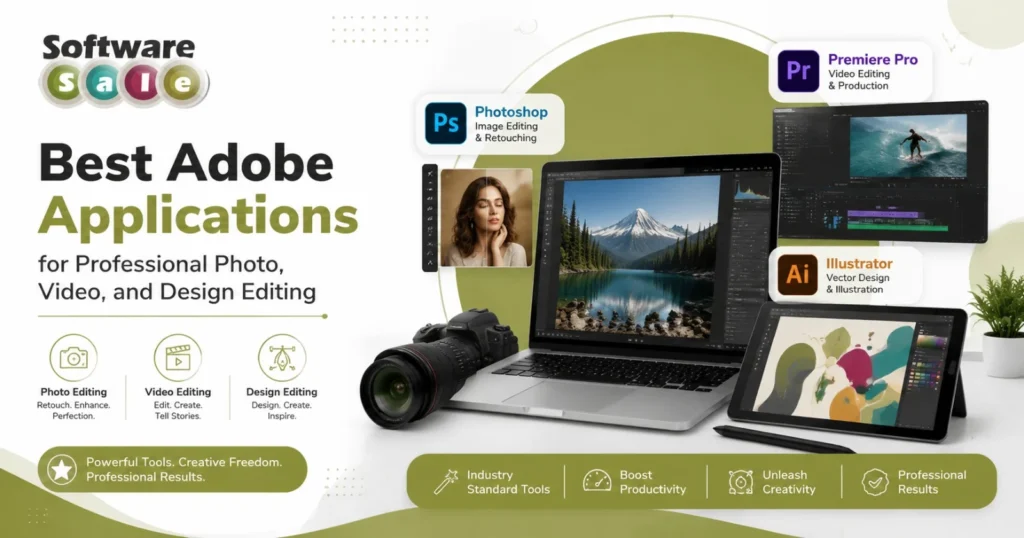
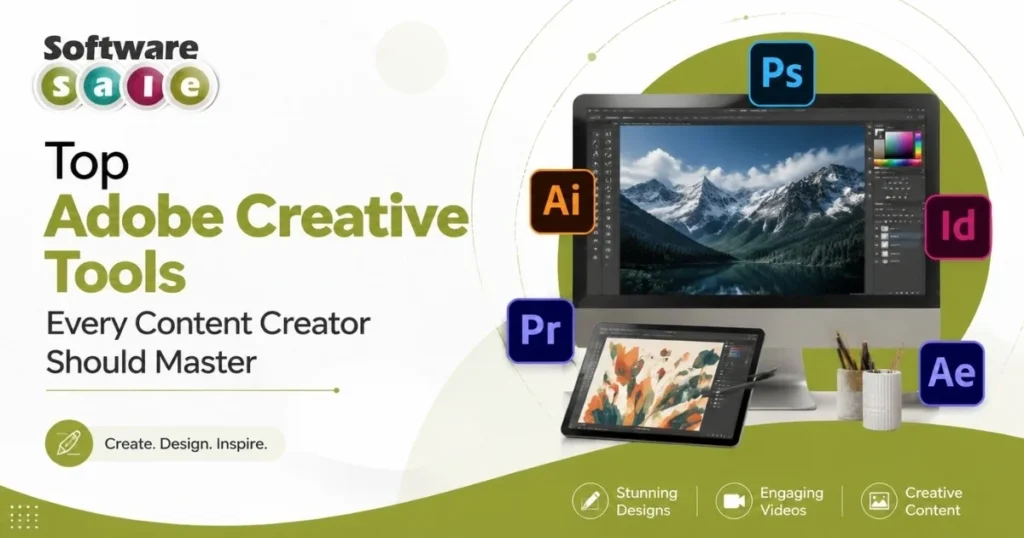
Photoshop remains the benchmark for photo editing, retouching and graphic composition, while Premiere Pro handles everything from YouTube uploads to short-form reels. Together, they cover most of a creator’s day-to-day editing needs.
Lightroom deserves a mention too. It’s built for fast, consistent photo edits across large batches, which suits creators publishing regularly rather than perfecting single images.
Design and Layout Tools for Visual Content
Illustrator is the go-to app for logos, icons and vector-based graphics that need to scale cleanly across platforms. InDesign, meanwhile, suits creators producing lead magnets, eBooks or media kits, where clean layout and typography matter as much as the visuals themselves.
These two apps are less about daily posting and more about building a professional, cohesive brand presence.
Quick Creation Apps for Social and On-the-Go Editing
Adobe Express is built for speed, offering ready-made templates for Reels, thumbnails and carousels so creators can produce on-brand content without opening a full editing suite. Paired with Lightroom’s mobile app, it becomes a genuinely mobile-first toolkit, letting creators shoot, edit and publish content straight from a phone, with no desktop required.
AI-Powered Creativity with Adobe Firefly
Firefly has become a genuine time-saver for creators, generating image variations, extending backgrounds and speeding up early-stage ideation. Trained on licensed and public domain content, it’s built to be commercially safe to use. Direct integration into Photoshop means it fits naturally into existing workflows, making it a practical tool rather than a gimmick.
Why Choose Best Adobe Apps for Content Creators
Choosing the best Adobe apps for content creators matters because scattered tools slow you down. A connected ecosystem means files move between apps without export headaches, formatting loss or wasted hours. Consistency across projects becomes easier, and creative decisions stay focused on quality rather than compatibility issues, which matters when deadlines and publishing schedules leave little room for technical friction.
Beyond convenience, cloud syncing keeps assets accessible across devices, so work started on a laptop continues seamlessly on mobile. Regular updates bring new features without extra cost, and industry-wide adoption means smoother collaboration with editors, clients and other creators using the same standard tools.
Final Thoughts
Mastering even three or four apps within Adobe Creative Cloud is enough to noticeably improve output quality and consistency. Start with photo and video editing, then expand into design and AI tools as your content needs grow.
If you’re looking to access these tools affordably, Software Sale offers genuine Adobe licensing options worth comparing before you subscribe directly.