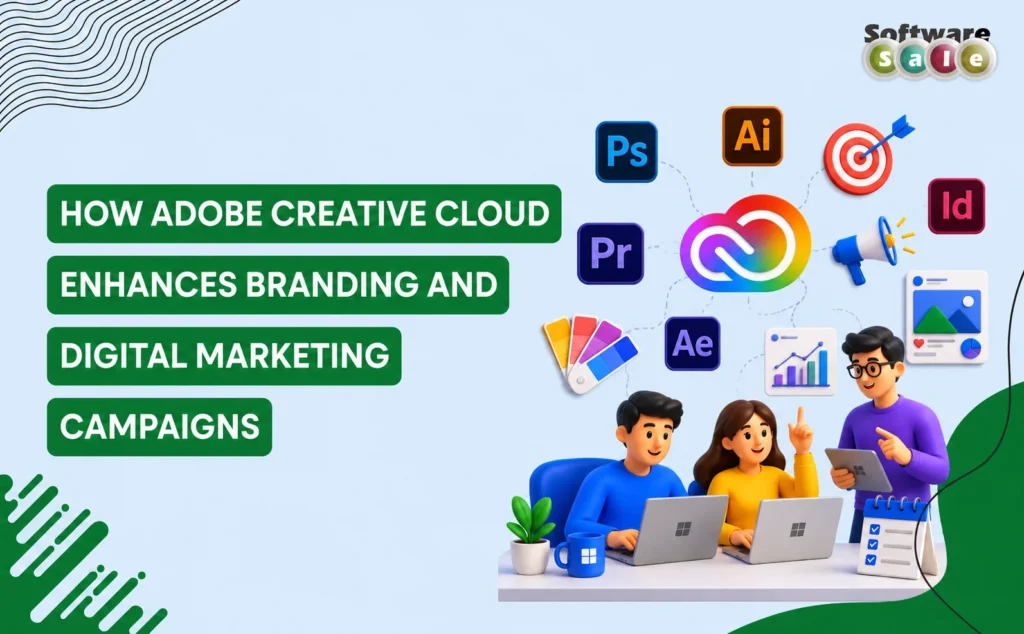
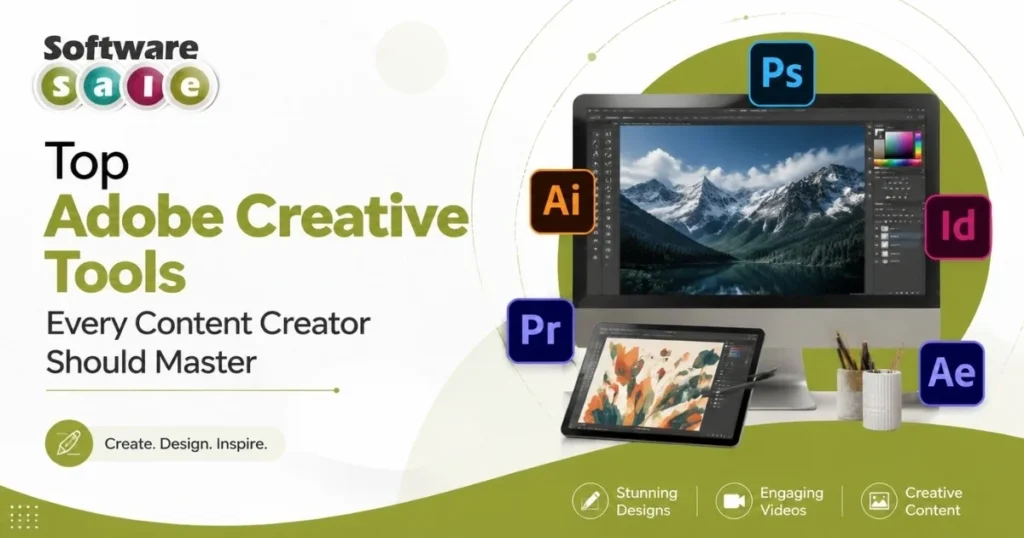
Creative professionals rely on powerful tools to produce high-quality visual content, whether they’re editing photographs, creating marketing materials or producing cinematic videos. Adobe Creative Cloud remains one of the most comprehensive creative ecosystems, offering industry-leading applications for photographers, designers, video editors and content creators. With seamless integration, cloud storage and advanced AI-powered features, Adobe Creative Cloud helps professionals streamline workflows while maintaining creative control. Choosing the right Adobe application for your specific needs can significantly improve productivity, creativity and project quality.
Selecting the Right Adobe Creative Cloud Apps for Creative Workflows
Adobe Creative Cloud offers specialised applications for photography, graphic design, video production and document management. Choosing the right tools based on your creative goals improves efficiency, simplifies collaboration and helps professionals deliver polished, high-quality work across multiple platforms.
Adobe Photoshop for Professional Photo Editing
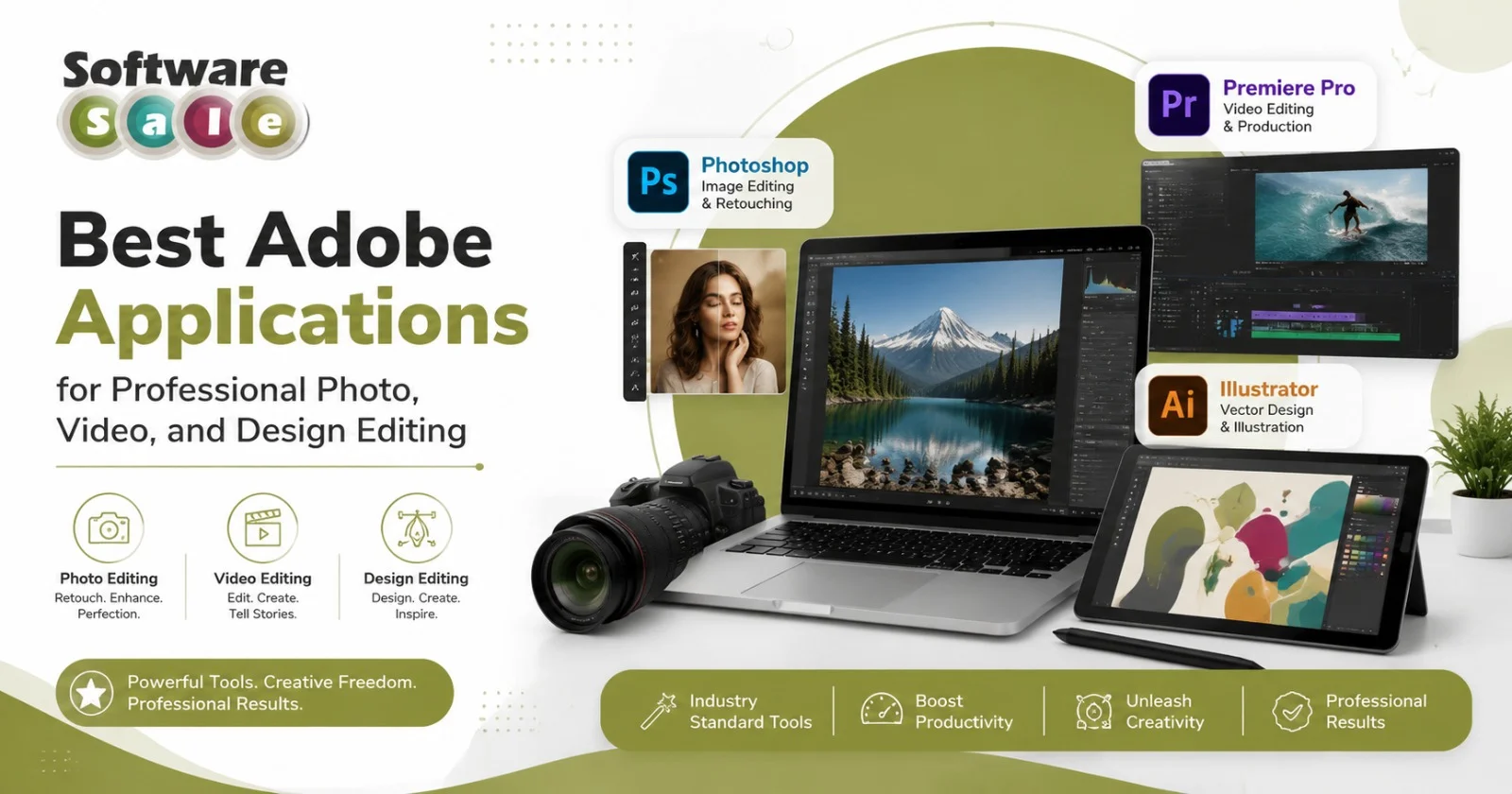
When it comes to image enhancement, Adobe photo editing software continues to set the industry benchmark. Adobe Photoshop provides advanced tools for retouching, compositing, colour correction and digital artwork.
Professionals use Photoshop for portrait editing, product photography, social media creatives and marketing campaigns. Features such as layer-based editing, object selection, generative AI assistance and non-destructive workflows make it suitable for beginners and experienced designers alike.
Adobe Illustrator for Vector Design
Illustrator is the preferred choice for creating logos, icons, branding assets and scalable illustrations.
Unlike raster graphics, vector artwork maintains quality regardless of size, making Illustrator ideal for print materials, packaging, signage and digital branding. Designers appreciate its precision tools, typography controls and compatibility with other Adobe applications.
Adobe Premiere Pro for Video Production
Premiere Pro is widely recognised for professional video editing across industries.
From YouTube creators to production houses, users rely on Premiere Pro for timeline editing, colour grading, audio enhancement and multi-camera editing. Its seamless integration with After Effects and Adobe Audition simplifies complex production workflows while maintaining exceptional output quality.
Adobe InDesign for Publishing
For businesses producing brochures, magazines, catalogues and corporate reports, InDesign offers professional page layout capabilities.
It allows users to manage typography, master pages, interactive PDFs and print-ready documents with precision. Marketing agencies and publishing professionals frequently choose InDesign for large-scale design projects requiring consistency and accuracy.
Why Adobe Applications Work Better Together
One of the greatest strengths of Adobe software is the integration between applications.
Designs created in Illustrator can be refined in Photoshop, animated in After Effects and incorporated into Premiere Pro projects without unnecessary file conversions. Creative Cloud Libraries, cloud storage and synchronised assets also make collaboration easier for remote teams.
This connected workflow saves time while ensuring consistency across creative projects.
Choosing the Right Adobe Application
Selecting the best Adobe application depends on your profession and creative goals.
Photographers benefit most from Photoshop, graphic designers rely on Illustrator, video editors choose Premiere Pro, while publishers and marketers often prefer InDesign. Businesses working across multiple creative disciplines gain the greatest value by using the complete Creative Cloud ecosystem.
Closing Insights
Whether you create photographs, videos, marketing materials or digital artwork, Adobe Creative Cloud provides professional tools designed for every stage of the creative process. Investing in genuine Adobe applications ensures regular updates, enhanced security and access to the latest features. Software Sale offers authentic software solutions that help creative professionals and businesses confidently choose the right Adobe products for long-term productivity and creative excellence.