
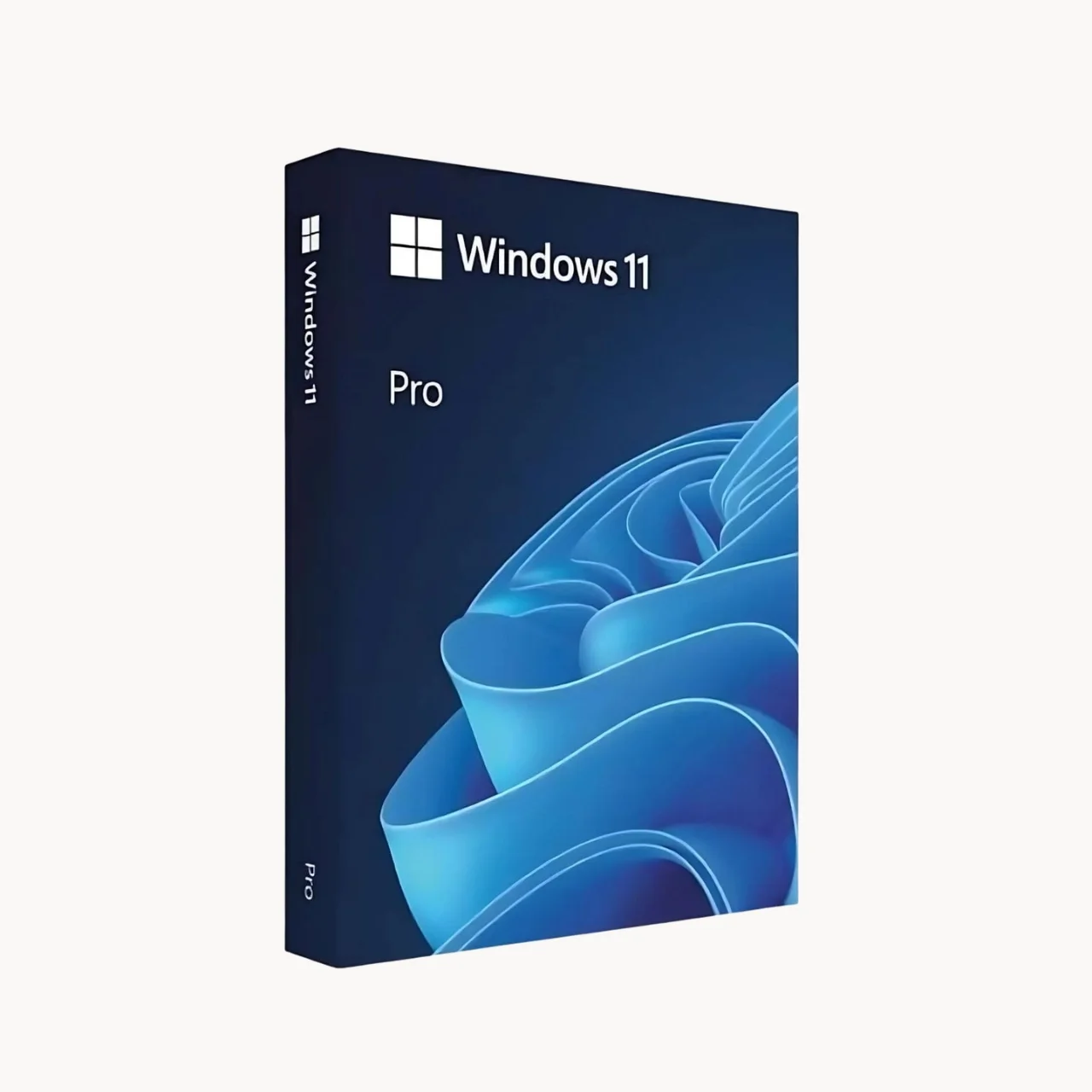
Professional Windows Built for Business
Windows 11 Pro is a professional operating system designed for businesses, professionals and users who need advanced security, productivity and device management capabilities.
With Windows 11 Pro, you can work efficiently across modern PCs while benefiting from features designed to protect business data, simplify device management and support modern AI-powered workflows.
Microsoft positions Windows 11 Pro around business productivity, security, manageability, performance and AI-ready PCs.
Work Smarter with Windows 11 Pro
Windows 11 Pro provides a modern Windows experience with tools designed for professional and business environments.
Whether you’re working from the office, remotely or across multiple devices, Windows 11 Pro helps provide a secure and productive computing environment.

Key advantages include
Advanced security features
Business-focused device management
Modern productivity tools
Windows Hello biometric authentication
BitLocker device encryption
Remote Desktop capabilities
Virtualization support and AI-ready PC support
Improved multitasking
Key Features of Windows 11 Pro
Advanced Security
Protect your devices and business information with built-in Windows security technologies.Windows 11 Pro supports security capabilities including Windows Hello and BitLocker to help protect credentials, devices and data.Microsoft specifically highlights credential protection and biometric sign-in through Windows Hello for Business.
Windows Hello for Business
Sign in securely using supported biometric authentication or PIN-based authentication instead of relying solely on passwords.Windows Hello for Business can support passwordless authentication and helps organizations strengthen device sign-in security.
BitLocker Device Encryption
BitLocker helps protect data stored on supported Windows devices by encrypting the device drive.This is particularly useful for businesses and professionals handling sensitive company or customer information.
Productivity & Multitasking
Windows 11 Pro provides productivity features designed to help users organize their workspace and work with multiple applications efficiently.Features such as Snap Layouts help users arrange windows and applications for easier multitasking.Microsoft highlights Snap Layouts as one of the productivity features available in Windows 11 Pro.
AI-Ready Windows Experience
Windows 11 Pro is designed to work with modern AI-powered PCs and Microsoft AI experiences.On compatible hardware, users can take advantage of PCs equipped with Neural Processing Units (NPUs) for supported AI workloads.Microsoft also highlights Copilot and Copilot+ PC experiences as part of the Windows ecosystem.
Business Device Management
Windows 11 Pro provides capabilities that help organizations manage business PCs and devices.Businesses can use Windows management technologies to deploy, configure and maintain Windows devices across their organization.Microsoft notes that Windows 11 maintains compatibility with management tools familiar from Windows 10.
Remote Desktop
Windows 11 Pro supports Remote Desktop, allowing users to remotely connect to a Windows PC from another supported device.This can be useful for:Remote work, IT support, Accessing office computers, Working with business applications remotely
Virtualization with Hyper-V
Windows 11 Pro supports Hyper-V virtualization capabilities on compatible hardware.This allows professionals and IT teams to create and manage virtual machines for development, testing and other workloads.
Windows 11 Pro for Business
Windows 11 Pro is designed for businesses that need more than the standard Windows Home experience. It combines productivity, security and management capabilities for professional environments.
- Suitable for:
- Small businesses
- Startups
- Offices
- Freelancers
- Professionals
- IT departments
- Remote teams
- Growing organizations
- Business laptops and desktops
Windows 11 Pro Use Cases
Small Business
Set up secure and productive PCs for employees while maintaining control over business devices.
Professional Work
Run business applications, productivity software and professional tools on a modern Windows platform.
Remote Work
Support employees working remotely using Windows networking and Remote Desktop capabilities.
IT Administration
Use Windows management and security features to help configure and maintain business PCs.
Development & Testing
Use virtualization capabilities such as Hyper-V for compatible development and testing environments.
Business Security
Protect credentials and stored data using technologies such as Windows Hello and BitLocker.
Windows 11 Pro System Requirements
Your PC must meet Microsoft’s minimum hardware requirements to install or run Windows 11 Pro.
Required Processor | 1 gigahertz or faster with 2 or more cores on a compatible 64-bit processor. |
Required Memory | 4 gigabytes |
Required Hard Disk Space | 64 GB or more of available storage |
Required video card | DirectX 12 compatible graphics with WDDM 2.0 driver |
Display | High-definition display greater than 9 inches diagonally |
Display Resolution | 720p / 729p or higher |
System Firmware | UEFI, Secure Boot capable |
TPM | TPM 2.0 |
Internet | Internet connectivity may be required for updates and certain features |
Microsoft Account | Required in certain setup scenarios |
Required connectivity | Internet connection required for updates, feature downloads, and activation |
Other system requirements | Some features require a Microsoft account • DVD playback needs separate software |
Additional system requirements | Acceptance of License Terms ( microsoft.com/useterms ) |
Microsoft’s current Windows 11 Pro business page lists the processor, memory, storage, graphics, display and UEFI/Secure Boot requirements above.
Check Your PC Compatibility
Before purchasing or upgrading, use Microsoft’s PC Health Check application to determine whether your current PC is compatible with Windows 11 Pro. Microsoft provides PC Health Check specifically for checking Windows 11 compatibility.
Why Buy Windows 11 Pro from SoftwareSale?
SoftwareSale provides software licensing solutions for businesses and professionals in India. When choosing Windows 11 Pro, make sure you purchase a legitimate license from an authorized or trusted software reseller.
With SoftwareSale, you can get:
Genuine software licensing
Windows 11 Pro for professional use
Support for installation and activation
Assistance with license selection
Business software solutions
Assistance for Indian customers
Windows 11 Pro Licensing Options
SoftwareSale offers Windows 11 Pro licensing options for both individual customers and organizations. Choose the licensing model that best matches your requirements.
Windows 11 Pro Retail License
A Retail license is suitable for individual users, professionals and customers purchasing Windows for a personal or business PC.
Retail License Highlights
- Genuine Windows 11 Pro license
- Suitable for eligible individual or business users
- Designed for activation on a compatible PC
- Suitable for customers purchasing Windows directly for their device
- License usage is subject to Microsoft’s applicable licensing terms
- Ideal for customers who need a Windows 11 Pro license for a standalone PC
Recommended for:
Individual users, freelancers, professionals, home offices and small businesses purchasing Windows for specific PCs.
Windows 11 Pro CSP License
CSP stands for Cloud Solution Provider. CSP licensing is designed for organizations purchasing Microsoft products and services through a Microsoft Cloud Solution Provider partner.
CSP License Highlights
- Microsoft Cloud Solution Provider licensing
- Designed for business and organizational customers
- Suitable for centralized software purchasing
- Partner-based Microsoft licensing management
- Suitable for organizations with multiple users or devices
- Licensing is governed by the applicable Microsoft commercial licensing terms
Recommended for:
Small and medium businesses, growing companies, organizations and customers managing Microsoft licensing across multiple users or devices.
Need Help Choosing?
Not sure whether Retail or CSP is right for your organization?
Contact SoftwareSale before purchasing and provide your number of users, devices and licensing requirements. Our team can help identify the appropriate Microsoft licensing option based on your requirements.
Windows 11 Pro FAQ
What is Windows 11 Pro?
Windows 11 Pro is a professional edition of Microsoft’s Windows operating system designed for businesses, professionals and users who need additional security, management and productivity capabilities.
What is the difference between Windows 11 Home and Pro?
Windows 11 Pro includes additional professional and business capabilities such as BitLocker, Remote Desktop host functionality, Hyper-V and enhanced device management features.
Is Windows 11 Pro suitable for business?
Yes. Windows 11 Pro is designed for business environments and provides security, productivity and device management capabilities for professional users.
What are the minimum requirements for Windows 11 Pro?
Microsoft currently requires a compatible 64-bit processor running at 1 GHz or faster with at least two cores, 4 GB RAM, 64 GB storage, compatible DirectX 12 graphics, a suitable high-definition display and UEFI firmware with Secure Boot capability.
Does Windows 11 Pro support BitLocker?
Yes. BitLocker is one of the security capabilities available with Windows 11 Pro.
Does Windows 11 Pro support Remote Desktop?
Yes. Windows 11 Pro supports Remote Desktop functionality, which can be useful for remote access and professional workflows.
Can I use Hyper-V with Windows 11 Pro?
Yes. Windows 11 Pro supports Hyper-V virtualization on compatible systems.
Can Windows 11 Pro run Microsoft Office?
Yes. Windows 11 Pro supports Microsoft Office and Microsoft 365 applications, subject to the requirements and licensing of the individual applications.
Can I use Windows 11 Pro for gaming?
Yes. Windows 11 Pro can run compatible PC games. However, users who primarily need gaming features may also consider the differences between Windows editions and their specific hardware requirements.
Can I upgrade from Windows 10 to Windows 11 Pro?
Eligible Windows 10 devices can upgrade to Windows 11. The resulting edition generally corresponds to the existing Windows edition; moving from Windows 10 Home to Windows 11 Pro is considered an edition upgrade and may require an appropriate Pro license. Microsoft explains the distinction between Windows version upgrades and edition upgrades.
Will my Windows 10 applications work on Windows 11?
Microsoft states that most applications, devices and accessories that worked with Windows 10 are compatible with Windows 11. However, compatibility should be confirmed for critical business software and hardware.
Does Windows 11 Pro support AI features?
Windows 11 Pro supports modern AI experiences, including features available on compatible AI-ready PCs. Availability of specific AI features depends on hardware, software, region and applicable Microsoft services.
Does Windows 11 Pro require TPM 2.0?
Yes. TPM 2.0 is part of Microsoft’s Windows 11 hardware requirements.
Does Windows 11 Pro require Secure Boot?
A compatible UEFI firmware with Secure Boot capability is part of Microsoft’s minimum requirements for Windows 11.
Is Windows 11 Pro available in India?
Yes. Windows 11 Pro is available in India through Microsoft’s ecosystem and authorized/trusted software and hardware partners.
Where can I buy Windows 11 Pro in India?
You can purchase Windows 11 Pro through Microsoft and eligible partners or software resellers. SoftwareSale offers Windows software licensing options for customers in India.
How do I activate Windows 11 Pro?
Windows 11 Pro activation is performed using a valid Windows license or digital license according to Microsoft’s activation process. The exact activation process depends on how the license was purchased and supplied.
Can Windows 11 Pro be used on multiple computers?
Windows licensing depends on the specific license type and terms. Check the license terms associated with your purchase before installing Windows 11 Pro on additional devices.








Reviews
There are no reviews yet.