
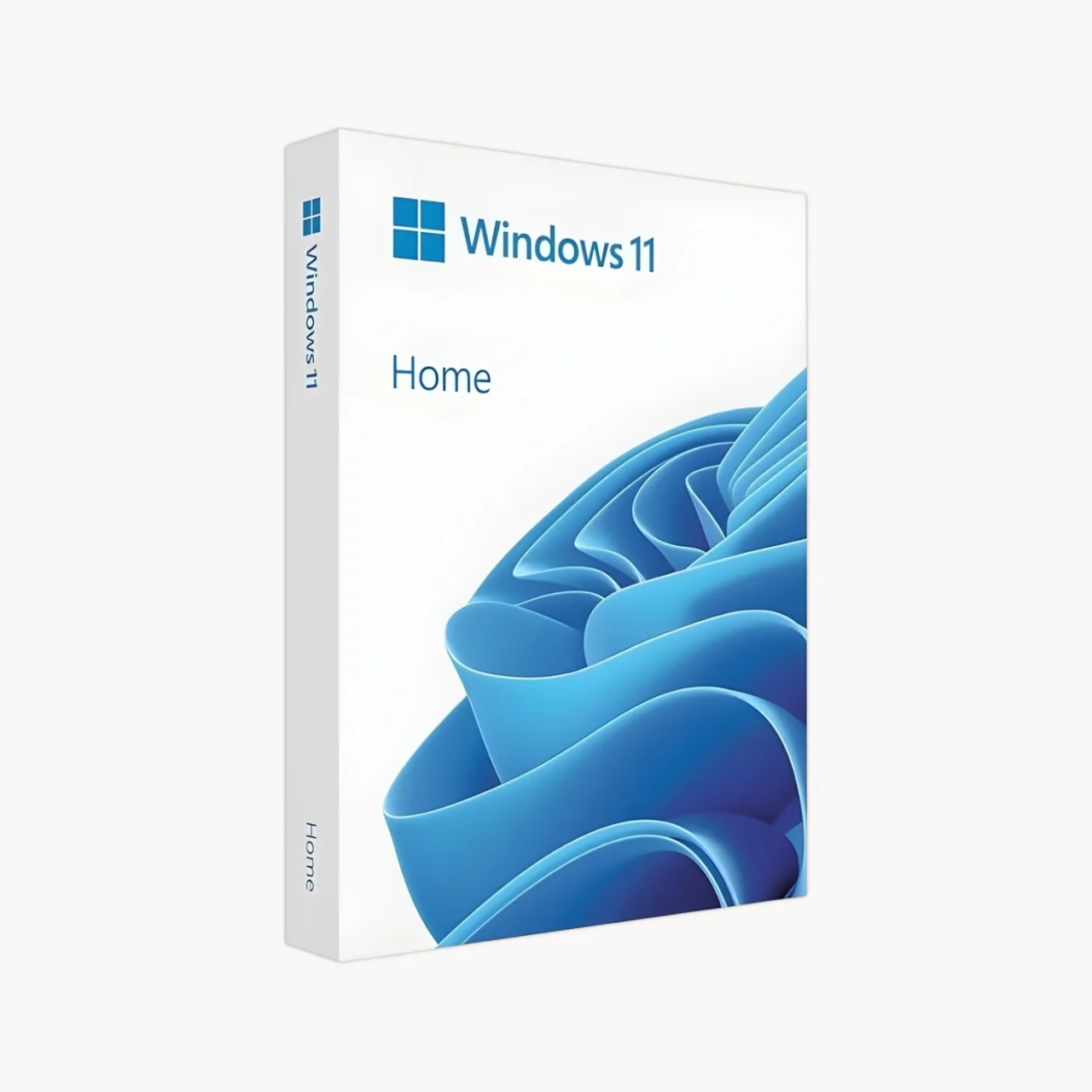
A Modern Windows Experience for Your Everyday PC
Windows 11 Home brings a fresh, modern Windows experience designed for everyday computing, entertainment, communication and productivity.
With a redesigned interface, improved multitasking, enhanced security, Widgets, Microsoft Teams integration and gaming technologies, Windows 11 Home helps you get more from your compatible PC.
Microsoft describes Windows 11 as a modern Windows experience designed to make it easier to stay productive, connected and entertained.
Experience Windows 11 Home
Windows 11 Home gives your PC a refreshed look and feel while providing familiar Windows functionality.
Whether you’re studying, working from home, browsing the web, managing personal files or playing games, Windows 11 Home provides the tools you need for everyday computing.

Key benefits include
Modern and refreshed Windows interface
Enhanced security features
Biometric authentication on compatible devices
Improved multitasking
Snap layouts and virtual desktops
Widgets for quick access to information
Microsoft Teams integration
DirectX 12 Ultimate support
Compatibility with modern Windows applications
Support for modern PC hardware
Key Features of Windows 11 Home
Modern & Refreshed Design
Windows 11 Home introduces a cleaner and more modern user interface designed to make everyday tasks easier.The refreshed Windows experience provides a more organized desktop, redesigned interface elements and convenient access to applications and information.
Snap Layouts for Better Multitasking
Make better use of your screen with Snap layouts.Arrange multiple applications side by side and organize your workspace so you can switch between tasks more efficiently.Microsoft highlights Snap layouts, desktops and seamless redocking as Windows 11 productivity features.
Virtual Desktops
Create separate desktops for different activities.For example:Work, Study, Personal tasks, Entertainment, Creative projectsVirtual desktops help you keep different activities organized without cluttering a single workspace.
Enhanced Security
Windows 11 Home includes security technologies designed to help protect your device and personal information.Compatible devices can use features such as:Windows Hello, Biometric authentication, Secure Boot, TPM 2.0, Windows Security, Built-in antivirus protectionMicrosoft highlights biometric logins, encrypted authentication and advanced antivirus defenses as part of the Windows 11 Home experience.
Windows Hello
Sign in to compatible devices using supported biometric authentication or a PIN.Depending on your hardware, Windows Hello can support:Fingerprint recognition, Facial recognition, PIN sign-inBiometric features require compatible hardware such as a fingerprint reader or suitable infrared camera.
Widgets
Get quick access to useful information through Windows Widgets.Depending on availability and configuration, Widgets can provide information such as:News, Weather, Sports, Other personalized contentMicrosoft includes Widgets among the Windows 11 Home features designed to keep users informed.
Microsoft Teams Integration
Windows 11 provides integrated access to Microsoft Teams experiences, helping users stay connected with friends, family and other contacts.Microsoft notes that feature and app availability can vary by region.
Microsoft Edge
Microsoft Edge is the faster, safer browser built for Windows 11. It's optimized for the modern web but is still compatible with legacy apps and sites. Write or type directly on webpages and share your markups with others. Use the reading view to eliminate distractions so you can work more efficiently. There’s also an improved address bar to help you find things faster.
Windows 11 Pro for Business
Windows 11 is designed around security, reliability and compatibility.
Compatible PCs must meet Microsoft’s hardware requirements, including TPM 2.0 and Secure Boot capability.
Windows 11 Home can use security technologies including:
TPM 2.0
Trusted Platform Module 2.0 provides hardware-based security capabilities required by Windows 11.
Secure Boot
Secure Boot helps protect the startup process by allowing supported firmware to verify trusted software during boot.
Windows Security
Windows includes built-in security capabilities designed to help protect your device against common security threats.
Windows Hello
Use supported biometric authentication or PIN-based sign-in instead of relying only on a traditional password.
Important Windows 11 Home Requirements
Before purchasing Windows 11 Home, make sure your PC meets the minimum hardware requirements.
TPM 2.0
Your PC must support Trusted Platform Module version 2.0.
Secure Boot
Your PC must have UEFI firmware with Secure Boot capability.
Compatible Processor
The processor must be a compatible 64-bit CPU or SoC running at 1 GHz or faster with at least two cores.
Storage
At least 64 GB of storage is required.
RAM
At least 4 GB RAM is required.
Internet Connection
Internet connectivity is required for Windows 11 Home setup and certain features.
Microsoft Account
A Microsoft account is required during the initial setup of Windows 11 Home.
Windows 11 Pro Licensing Options
SoftwareSale offers Windows 11 Pro licensing options for both individual customers and organizations. Choose the licensing model that best matches your requirements.
Check Windows 11 Compatibility
Not sure whether your computer can run Windows 11 Home?
Microsoft provides the PC Health Check application to help determine whether a PC meets Windows 11 upgrade requirements.
Before purchasing, check:
- Processor compatibility
- TPM 2.0
- Secure Boot
- RAM
- Storage
- Graphics compatibility
- Display requirements
Windows 11 Home Compatibility
Windows 11 is designed for compatible modern PCs.
If you’re upgrading from Windows 10, Microsoft states that the device must be running Windows 10 version 2004 or later for a direct upgrade through Windows Update, along with meeting the applicable Windows 11 hardware requirements.
For older computers, check compatibility before purchasing or upgrading.
Why Buy Windows 11 Home from SoftwareSale?
SoftwareSale provides genuine software licensing solutions for customers across India.
SoftwareSale Benefits
- Genuine software licenses
- Microsoft software solutions
- Digital delivery
- GST invoice
- Secure online payment
- Product assistance
- Customer support
- Software licensing guidance
SoftwareSale currently promotes genuine software licenses, GST invoices, digital delivery and support for Microsoft products.
Requirements
Required Processor | 1 gigahertz or faster with 2 or more cores on a compatible 64-bit processor. |
Required Memory | 4 gigabytes |
Required Hard Disk Space | 64 GB or more of available storage |
Required video card | DirectX 12 compatible graphics with WDDM 2.0 driver |
System Firmware | UEFI, Secure Boot capable |
TPM | TPM 2.0 |
Display | High-definition 720p display, greater than 9 inches |
Internet | Internet connectivity may be required for updates and certain features |
Microsoft Account | Required for initial Windows 11 Home setup |
Required connectivity | Internet connection required for updates, feature downloads, and activation |
Other system requirements | Some features require a Microsoft account • DVD playback needs separate software |
Additional system requirements | Acceptance of License Terms ( microsoft.com/useterms ) |
Windows 11 Home FAQ
What is Windows 11 Home?
Windows 11 Home is Microsoft’s Windows operating system edition designed primarily for personal and everyday PC use. It provides a modern interface, security features, multitasking tools, Widgets, Teams integration and gaming capabilities.
What is the difference between Windows 11 Home and Windows 11 Pro?
Windows 11 Pro includes additional professional and business capabilities that are not included in Windows 11 Home, such as BitLocker, Hyper-V and Remote Desktop host functionality.
Is Windows 11 Home good for everyday use?
Yes. Windows 11 Home is designed for everyday activities such as web browsing, studying, communication, entertainment, personal productivity and compatible gaming.
Can I use Microsoft Office on Windows 11 Home?
Yes. Windows 11 Home supports Microsoft Office and Microsoft 365 applications, subject to the individual application’s system requirements and licensing.
Can I use Windows 11 Home for gaming?
Yes. Windows 11 Home supports PC gaming and modern technologies such as DirectX 12 Ultimate on compatible hardware. Specific gaming features depend on the game, hardware and software configuration.
What are the minimum requirements for Windows 11 Home?
Windows 11 requires a compatible 64-bit processor with at least 1 GHz speed and two or more cores, 4 GB RAM, 64 GB storage, TPM 2.0, UEFI/Secure Boot capability, compatible DirectX 12 graphics and a suitable HD display.
Does Windows 11 Home require TPM 2.0?
Yes. TPM 2.0 is one of Microsoft’s minimum hardware requirements for Windows 11.
Does Windows 11 Home require Secure Boot?
Yes. Windows 11 requires UEFI firmware that is Secure Boot capable.
Does Windows 11 Home require a Microsoft account?
Yes. Microsoft states that Windows 11 Home requires an internet connection and Microsoft account to complete initial device setup.
Can I upgrade Windows 10 to Windows 11 Home?
Eligible Windows 10 devices can upgrade to Windows 11 when they meet Microsoft’s requirements. For a direct upgrade through Windows Update, Microsoft specifies Windows 10 version 2004 or later.
Can Windows 11 Home run on an old PC?
Only if the PC meets Microsoft’s minimum Windows 11 hardware requirements. Older PCs should be checked for processor compatibility, TPM 2.0, Secure Boot, memory and storage before installation.
How can I check if my PC supports Windows 11?
You can use Microsoft’s PC Health Check application to evaluate whether your PC meets Windows 11 requirements.
Does Windows 11 Home include antivirus protection?
Windows includes built-in security and antivirus capabilities. Microsoft highlights advanced antivirus defenses as part of the Windows 11 Home experience.
Does Windows 11 Home support Windows Hello?
Yes. Windows Hello is supported on compatible hardware. Biometric authentication requires suitable hardware such as a fingerprint reader or compatible infrared camera; PIN sign-in is also available.
Does Windows 11 Home support BitLocker?
Windows 11 Home does not include the full BitLocker feature set available in Windows Pro editions. Some device encryption capabilities may be available depending on hardware and configuration.
Can I use Remote Desktop with Windows 11 Home?
Windows 11 Home can be used as a Remote Desktop client, but hosting incoming Remote Desktop connections is a Pro feature.
Can I use Hyper-V on Windows 11 Home?
Hyper-V is a feature available in Windows Pro editions and above. Windows 11 Home does not provide the full Hyper-V feature available in Pro.
Is Windows 11 Home a lifetime license?
SoftwareSale lists this product as Perpetual – Lifetime. The actual rights and conditions of use remain subject to the Microsoft license terms applicable to the purchased license.
Where can I buy Windows 11 Home in India?
You can purchase Windows 11 Home from Microsoft or through eligible software retailers and partners. SoftwareSale offers Windows 11 Home licensing for customers in India.
Is Windows 11 Home genuine from SoftwareSale?
SoftwareSale states that it provides genuine software licenses and identifies itself as an authorized software dealer/reseller. Customers should review the specific license details and applicable Microsoft terms associated with their purchase.
How do I activate Windows 11 Home?
Windows 11 Home activation uses the valid license or digital license associated with your purchase. The exact activation process depends on the license type and Microsoft’s activation process.








Reviews
There are no reviews yet.