In today’s digital-first world, choosing the right cloud solution is critical for both individuals and businesses. This cloud storage software comparison explores three major platforms – Dropbox, Google Drive, and OneDrive – to help you understand their strengths, limitations, and ideal use cases. With growing data needs and remote collaboration trends, selecting the right tool can directly impact productivity, security, and workflow efficiency.
Best Platform for Daily Use in Cloud Storage Comparison?
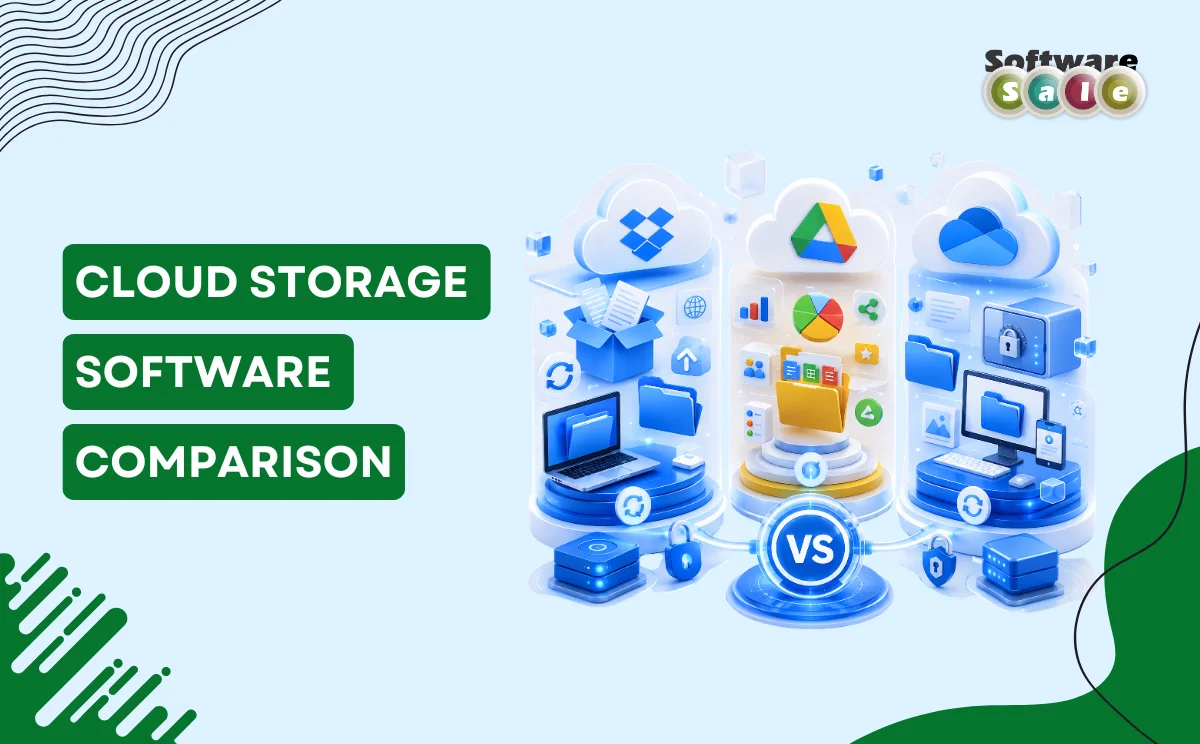
When comparing Dropbox, Google Drive, and OneDrive, the best option depends on your needs. Google Drive excels in collaboration, Dropbox offers simplicity and speed, while OneDrive integrates seamlessly with Microsoft tools, making each suitable for different user preferences and work environments.
Overview of Dropbox, Google Drive, and OneDrive
Dropbox is known for its clean interface and reliable file synchronisation. It was one of the pioneers in cloud storage and remains popular for its ease of use and consistent performance. It is especially useful for professionals who prioritise file sharing and quick access.
Google Drive stands out for its strong integration with Google Workspace tools like Docs, Sheets, and Slides. It is ideal for teams that rely heavily on real-time collaboration and cloud-based productivity tools. Its generous free storage and intuitive interface make it widely accessible.
OneDrive, backed by Microsoft, integrates deeply with Windows and Microsoft 365 applications. It is particularly beneficial for businesses already using Microsoft ecosystems, offering seamless document management and advanced security features.
Key Features Compared
When evaluating the Dropbox vs Google Drive vs OneDrive debate, several factors come into play:
- Storage and Pricing: Google Drive offers competitive free storage, while OneDrive provides value through bundled Microsoft subscriptions. Dropbox tends to be slightly higher in pricing but offers reliable performance.
- Collaboration Tools: Google Drive leads with real-time editing and sharing features. OneDrive follows closely with Microsoft Office integration, while Dropbox focuses more on file storage than collaboration.
- Security: All three platforms offer encryption and secure access, but OneDrive includes additional enterprise-grade security features.
- Ease of Use: Dropbox is often praised for its simplicity, while Google Drive and OneDrive offer more features but may require a slight learning curves.
Performance and Use Case Differences
Each platform caters to different user needs. Dropbox is ideal for freelancers and small teams looking for fast file syncing and sharing. Google Drive suits collaborative teams, educational users, and startups that depend on cloud-based tools. OneDrive works best for corporate environments and professionals using Microsoft Office extensively.
Choosing the best cloud storage software depends on how you work. If collaboration is your priority, Google Drive is a strong choice. If you value simplicity and reliability, Dropbox performs well. For business integration and security, OneDrive stands out.
Pros and Cons Summary
Dropbox offers speed and simplicity but comes at a slightly higher cost. Google Drive provides excellent collaboration features but may feel cluttered for some users. OneDrive delivers strong integration and security but works best within the Microsoft ecosystem.
Understanding these trade-offs helps you select a solution aligned with your workflow rather than just features alone.
Key Takeaways
This cloud storage software comparison shows that there is no one-size-fits-all solution. Dropbox, Google Drive, and OneDrive each bring unique advantages depending on your requirements.
For those looking to explore reliable software solutions and deals, platforms like Software Sale can help you find the right tools to match your needs while ensuring value and efficiency.