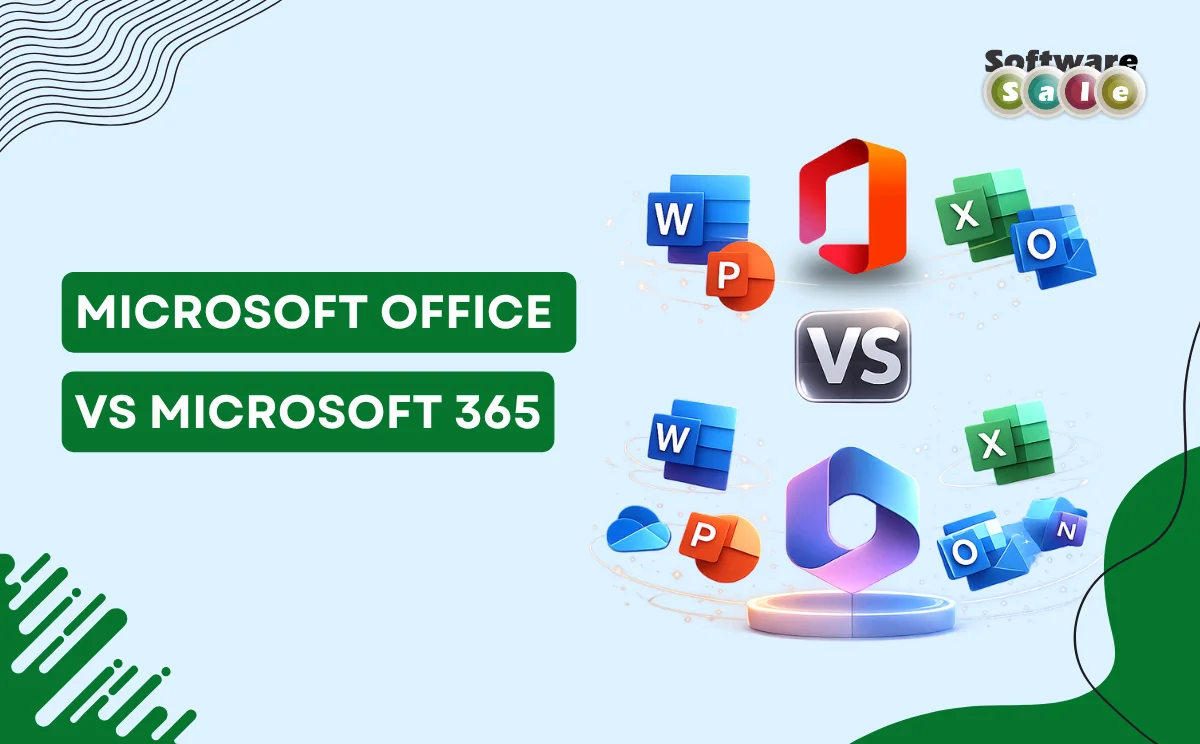
When it comes to choosing the right productivity suite for personal or business use, understanding Microsoft Office vs Microsoft 365 is essential. These two offerings from Microsoft are designed to help you work smarter, but they differ significantly in how they’re purchased, updated, and experienced. Whether you’re a student, professional, or business owner, knowing these key differences can save you time, money, and frustration in the long run.
What Are They? A Quick Overview
Microsoft Office refers to the traditional suite of desktop applications like Word, Excel, PowerPoint, and Outlook that you can buy with a one-time purchase. Once bought, you own that version of the software forever and can install it on a single PC or Mac. It doesn’t include future feature upgrades, although security patches may still be provided.
In contrast, Microsoft 365 is a subscription-based service that gives you access to the same Office apps plus continuous updates, added tools, and cloud-connected features. Because it’s subscription-based, you pay a monthly or annual fee rather than one upfront cost.
One of the biggest advantages of choosing Microsoft 365 is the ongoing access to the latest innovations. Subscribers receive automatic updates, ensuring they always have the newest versions of apps like Word, Excel, and PowerPoint. It also includes extensive cloud storage via OneDrive (typically 1 TB per user) and real-time collaboration tools like co-authoring of documents.
Additional perks include advanced security features, team communication tools via Microsoft Teams, and the flexibility to install on multiple devices – including desktops, laptops, tablets, and phones. Depending on the plan, you can also share your subscription with family members or colleagues.
Microsoft Office One-Time Purchase vs Subscription
Choosing between a one-time purchase and owning a subscription model is a major decision. With the one-time purchase model, you pay once and own that specific version – which works well if you prefer stability and don’t need frequent feature upgrades.
However, this model comes with limitations: you won’t receive new features after that version is released, and installation is generally limited to one device. Cloud storage and advanced collaborative features are typically absent.
Conversely, Microsoft 365’s subscription continuously delivers new capabilities along with robust support and security upgrades, making it suitable for users who value constant improvement and cross-device access.
Microsoft 365 vs Office Cost Comparison
From a financial standpoint, the two models differ significantly:
- One-time purchase: A single, upfront payment means no ongoing fees, but you may miss out on new features and services.
- Subscription: Monthly or yearly payments ensure you get ongoing enhancements and features like cloud integration, but this means continuous expense over time.
Long-term cost considerations often depend on how frequently you need updates, how many devices you use, and whether collaboration and cloud tools are important to you.
Microsoft 365 Features and Benefits
Microsoft 365 features and benefits extend beyond traditional productivity tools. Built-in cloud storage, seamless file sharing, and real-time collaboration elevate your workflow compared to basic desktop applications alone.
Subscribers can leverage apps like Teams for communication, OneDrive for storage, and continuous access to the latest AI-driven enhancements as they’re released. These benefits make Microsoft 365 a comprehensive platform for both individual and team workflows.
Which One Should You Choose?
The right choice depends on your needs:
- Choose Microsoft Office if you want a straightforward, one-off purchase with no dependency on ongoing payments.
- Choose Microsoft 365 if frequent updates, cloud storage, and flexibility across devices matter to you.
Businesses, teams, and power users often prefer the subscription model due to its adaptability, while casual users or minimalists might lean toward a one-time purchase.
Bottom Line
Understanding Microsoft Office vs Microsoft 365 helps you make a decision that aligns with your workflow style and budget. Microsoft 365 stands out with continuous innovations, collaboration tools, and versatile access, while traditional Office suits users looking for a stable, one-time investment. Whichever route you choose, working with tools that enhance productivity is key. For trusted deals and licensing options that suit your needs, consider browsing offerings at Software Sale for smart purchasing decisions.