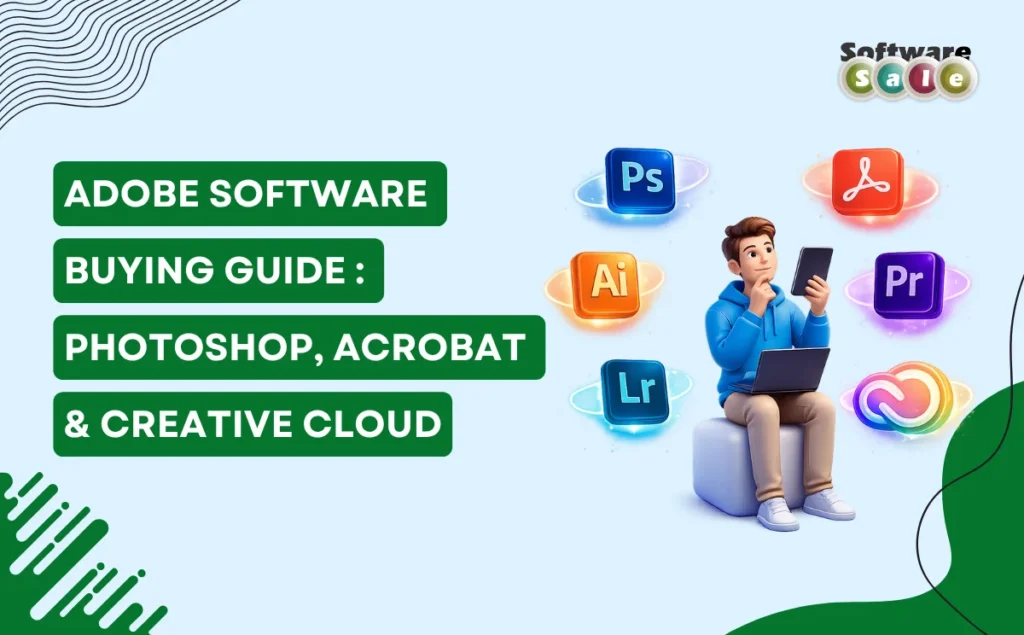
Choosing the right Adobe software can feel confusing, especially with multiple tools designed for different creative and professional needs. This Adobe software buying guide will help you understand the key differences between Adobe Photoshop, Adobe Acrobat, and Adobe Creative Cloud so you can invest in the right solution for your workflow. Whether you are a student, business owner, designer, or office professional, selecting the correct software can improve productivity, creativity, and efficiency while avoiding unnecessary expenses.
Understanding Adobe Photoshop
Adobe Photoshop is one of the most powerful image-editing tools available today. It is widely used by photographers, graphic designers, digital artists, and marketers for tasks such as photo retouching, image manipulation, banner creation, and social media design.
When comparing Photoshop vs Acrobat vs Creative Cloud, Photoshop stands out as a specialized creative application focused entirely on visual editing. It offers advanced tools like layers, masking, AI-based enhancements, and professional color correction features. If your work revolves around visual content creation, branding materials, or digital artwork, Photoshop remains an industry-standard choice.
Understanding Adobe Acrobat
Adobe Acrobat is designed primarily for document management rather than creative design. It allows users to create, edit, convert, compress, and securely sign PDF documents. Businesses, legal professionals, and corporate teams rely heavily on Acrobat for paperwork automation and digital documentation.
For users wondering which Adobe software should I buy, Acrobat is ideal if your daily tasks involve contracts, reports, invoices, or document sharing. It improves workflow efficiency through features like electronic signatures, OCR text recognition, and secure file sharing, making it essential for professional environments.
What is Adobe Creative Cloud?
Adobe Creative Cloud is a subscription-based platform that provides access to multiple Adobe applications in one package. Instead of purchasing individual software, users get a collection that includes Photoshop, Illustrator, Premiere Pro, After Effects, Acrobat, and more.
Understanding the Adobe Creative Cloud vs Photoshop difference is important. Photoshop is a single application, while Creative Cloud is a complete ecosystem of tools designed for designers, video editors, photographers, and creative professionals who need flexibility across multiple projects.
Best Adobe Software for Beginners
Selecting the best Adobe software for beginners depends on your goals. Beginners interested in graphic design or photo editing often start with Photoshop because of its tutorials and wide learning resources. Those focused on office productivity or document handling may find Acrobat easier to learn and immediately useful.
Creative Cloud can also be beginner-friendly for users exploring multiple creative skills, as it allows experimentation with different applications without purchasing each one separately.
Is Adobe Creative Cloud Worth It?
Many users ask, “Is Adobe Creative Cloud worth it compared to buying individual apps?” The answer depends on usage frequency and professional needs. Creative Cloud becomes highly cost-effective for freelancers, agencies, and content creators who require multiple tools regularly. It ensures access to updates, cloud storage, fonts, and collaboration features that enhance productivity and creative flexibility.
However, individuals with very specific needs – such as only editing photos or managing PDFs – may find standalone software more economical.
How to Choose the Right Adobe Software
Before making a purchase, consider your primary work requirements. Creative professionals benefit from Creative Cloud’s versatility, while corporate users may prioritize Acrobat for document workflows. Students and hobbyists should evaluate learning goals and budget before committing to subscriptions.
Compatibility, learning curve, and long-term usability are also important factors. Choosing the correct Adobe product ensures smoother workflows and better return on investment.
Key Takeaways
This Adobe software buying guide highlights that there is no single “best” Adobe product for everyone. Photoshop excels in image editing, Acrobat dominates document management, and Creative Cloud provides an all-in-one creative ecosystem. Your decision should depend on whether you need specialized tools or a complete creative suite. For genuine licenses, reliable pricing, and professional support, trusted providers like Software Sale can help users select the most suitable Adobe solutions confidently.