Choosing the right productivity suite can significantly impact how teams collaborate, communicate, and deliver results. The debate around Google Workspace vs Microsoft 365 often comes down to work style, team size, security needs, and budget. Both platforms are powerful, cloud-based ecosystems designed to improve efficiency but they excel in different ways. Understanding these differences helps businesses make smarter technology decisions.
Collaboration and Team Communication
Modern teams rely heavily on real-time collaboration. Google Workspace is widely recognized for its seamless, browser-based collaboration. Multiple users can work simultaneously on documents, spreadsheets, and presentations with minimal friction. Changes are saved automatically, version history is easy to track, and sharing files is intuitive. For remote or hybrid teams, this real-time approach supports faster decision-making and smoother workflows.
On the other hand, Microsoft 365 focuses on structured collaboration, especially for organizations accustomed to traditional desktop software. Integration with Teams allows chats, meetings, and file sharing in one centralized space. This setup works particularly well for enterprises that value organized communication channels and formal document workflows.
Productivity Tools and Features
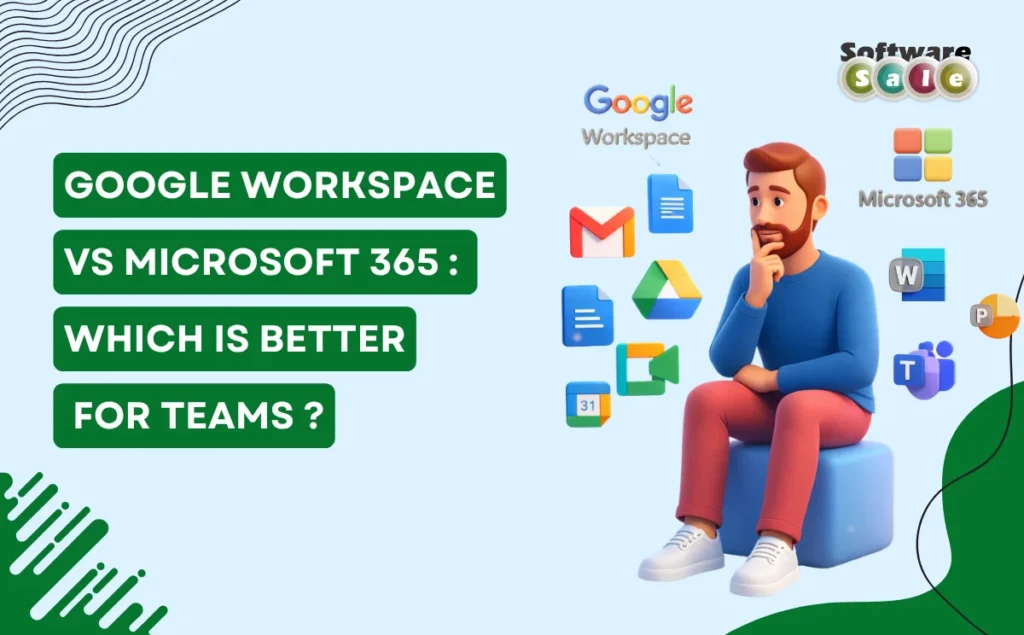
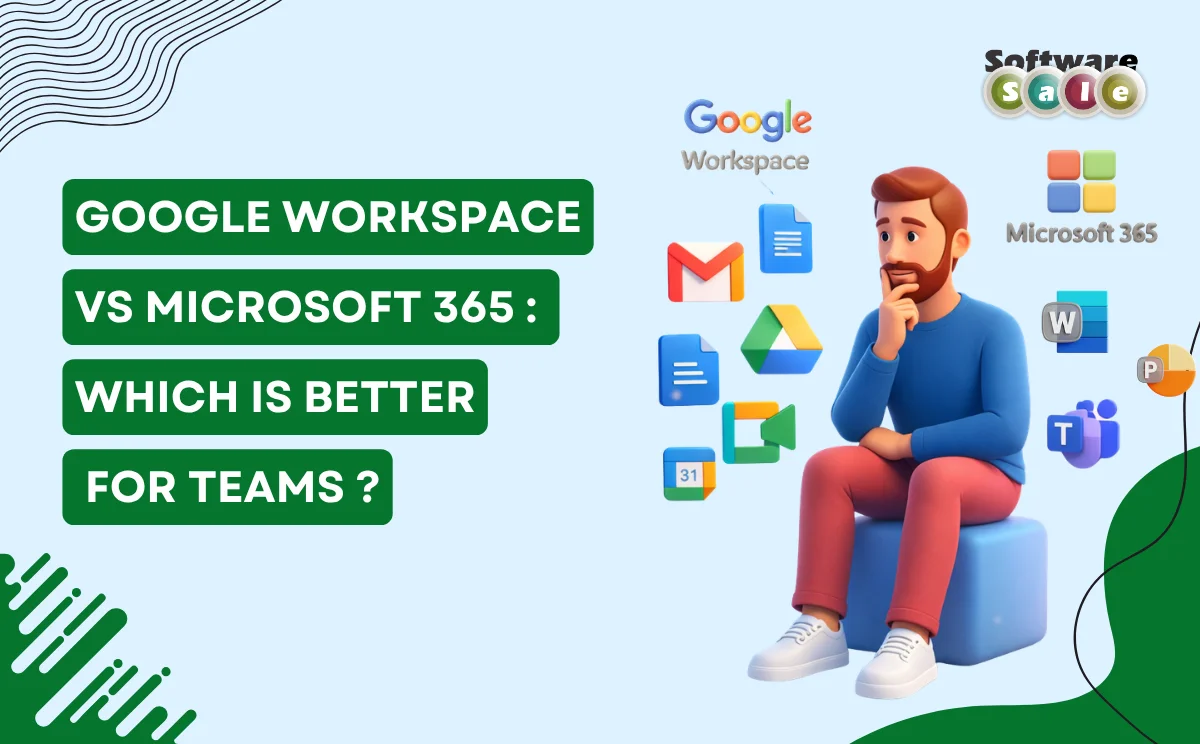
Both platforms offer a comprehensive set of tools for daily operations. Google Workspace includes Gmail, Docs, Sheets, Slides, Drive, and Meet – designed to work fluidly in the cloud. Its simplicity and ease of use make onboarding quick, especially for teams with limited IT support.
Microsoft 365 provides Word, Excel, PowerPoint, Outlook, OneDrive, and Teams, offering advanced features that power users often prefer. Excel’s complex formulas, PowerPoint’s design capabilities, and Outlook’s email management are strong advantages for data-heavy or presentation-focused teams.
Cloud Accessibility and Flexibility
Cloud-first access is a major factor for distributed teams. Google’s tools run entirely in the browser, reducing dependency on specific devices or operating systems. This makes collaboration effortless across locations.
Microsoft 365 offers both cloud and desktop flexibility. Teams can work offline and sync later, which is useful for environments with limited or unstable internet connectivity. This hybrid approach appeals to organizations transitioning from on-premise systems to the cloud.
Security and Administrative Control
Security is critical for team-based platforms. Microsoft provides advanced security controls, compliance certifications, and granular admin settings, making it suitable for regulated industries. Google also offers strong security features, including two-factor authentication and encrypted data, but with a more streamlined admin experience.
Pricing and Scalability
Pricing structures differ based on features and storage. Google Workspace plans are generally straightforward and scalable for startups and growing teams. Microsoft 365 offers a wide range of plans, which can be customized but may feel complex for smaller organizations.
Which Is Better for Your Team?
The choice ultimately depends on how your team works. Creative, fast-moving teams often prefer Google’s real-time collaboration. Larger organizations with structured workflows may benefit from Microsoft’s robust desktop tools and enterprise controls.
Key Takeaways
There is no one-size-fits-all answer to Google Workspace vs Microsoft 365. Each platform excels in different collaboration styles and operational needs. Consulting experts like Software Sale can help businesses evaluate requirements, compare plans, and choose the right solution for long-term productivity and growth.