Choosing the right Microsoft software can be confusing when products seem similar but serve different purposes. This Microsoft software buying guide helps users understand Office, Windows, and business tools, making it easier to choose software based on real needs.
Understanding Microsoft Software Categories
Microsoft products generally fall into three main groups:
- Operating Systems (Windows)
- Productivity Suites (Microsoft Office / Microsoft 365)
- Business & Collaboration Tools
Each serves a unique role in productivity and digital operations.
Microsoft Office vs Windows – What’s the Difference?
A common confusion users face is the Microsoft Office vs Windows comparison. While both are Microsoft products, they perform completely different functions.
- Windows is an operating system. It runs your computer, manages hardware, security, files, and applications.
- Microsoft Office is a productivity software suite that runs on top of Windows.
Windows (Operating System)
Windows provides the foundation for everything you do on a PC. It includes:
- File management
- Device drivers
- System security
- Application compatibility
- Networking features
Without Windows (or another operating system), Office apps cannot run.
Microsoft Office (Productivity Tools)
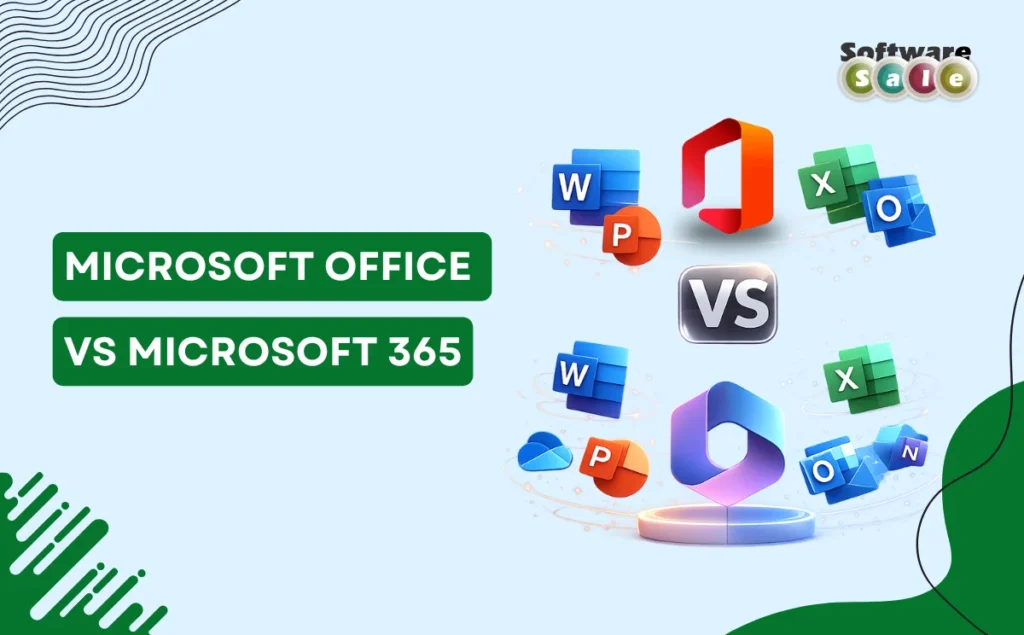
Microsoft Office includes applications such as:
- Word (documents)
- Excel (spreadsheets)
- PowerPoint (presentations)
- Outlook (email management)
Businesses use Office primarily for daily operational work like reporting, communication, and data handling.
In simple terms: Windows powers the computer, Office powers productivity.
Best Microsoft Software for Business
Selecting the best Microsoft software for business depends on company size and workflow requirements. Microsoft now focuses heavily on integrated cloud ecosystems rather than standalone tools.
Here are the core solutions businesses typically use:
1. Microsoft 365
A subscription-based platform combining Office apps with cloud services. Key benefits include:
- Real-time collaboration
- Cloud storage via OneDrive
- Automatic updates
- Multi-device access
This is ideal for hybrid and remote teams.
2. Microsoft Teams
Used for video meetings, internal communication, and project collaboration. Teams reduce reliance on multiple third-party communication tools.
3. SharePoint
Designed for document management and internal company portals. Businesses use it to organize files securely and enable shared workflows.
4. OneDrive for Business
Provides secure cloud storage with synchronization across devices, helping teams access files anywhere.
Together, these solutions form a unified workplace environment rather than separate software purchases.
Microsoft Business Tools Explained
When evaluating options, many buyers want Microsoft business tools explained in simple terms. Microsoft’s ecosystem works best when tools integrate together:
- Exchange Online manages professional email hosting.
- Teams handle meetings and chat collaboration.
- Planner & To Do assist with task management.
- Power BI enables data visualization and analytics.
- Intune helps manage company devices and security policies.
The advantage of Microsoft’s ecosystem is centralized administration – IT teams can manage users, licenses, and security from a single dashboard.
Which Microsoft Software Should I Buy?
If you’re asking which Microsoft software should I buy, the answer depends on usage:
For Home Users or Students
- Windows OS 11 home
- Microsoft Office Home 2024
- Microsoft 365 Personal
- Microsoft 365 Family
For Freelancers & Small Businesses
- Windows 11 Pro
- Microsoft 365 Business Basic
- Microsoft 365 Business Standard
- OneDrive cloud storage
For Growing Companies
- Microsoft 365 Business Premium
- Teams + SharePoint integration
- Advanced security tools
- Microsoft Copilot for Business
For Enterprises
- Microsoft 365 Enterprise plans
- Device management and compliance solutions
- Advanced analytics tools
A good rule: choose subscription plans if collaboration and updates matter; choose one-time Office licenses if you need basic offline productivity.
Key Buying Factors to Consider
Before purchasing, evaluate:
- Number of users/devices
- Cloud vs offline usage preference
- Collaboration requirements
- Security needs
- Budget vs long-term scalability
Businesses increasingly prefer subscription models because they reduce upgrade costs and improve workflow continuity.
Key Takeaways
This Microsoft software buying guide explains how Windows, Office, and Microsoft business tools work together within one productivity ecosystem. Understanding your workflow simplifies software selection, and Software Sale helps buyers choose genuine Microsoft solutions with confidence.