


Professional Photo Editing & Design Software
Adobe Photoshop is a professional image editing and graphic design application for creating, editing, retouching and transforming images.
From professional photo retouching and creative compositions to graphic design and AI-powered image editing, Photoshop provides a comprehensive set of tools for photographers, designers, marketers, artists and content creators.
Photoshop is available across desktop, web and mobile experiences, depending on the plan and supported features. Adobe currently integrates generative AI capabilities powered by Adobe Firefly and other supported AI models directly into Photoshop.
Create More with Adobe Photoshop
Turn your ideas into professional visual content with Photoshop.
Whether you are editing photographs, designing marketing graphics, creating social media content or building complex image compositions, Photoshop provides precise editing tools combined with AI-powered creative features.
With Photoshop, you can
Edit and retouch photographs
Remove unwanted objects
Replace or extend backgrounds
Create image composites
Design graphics
Add and customize text
Adjust colors and lighting
Create digital artwork
Generate and modify image content using AI
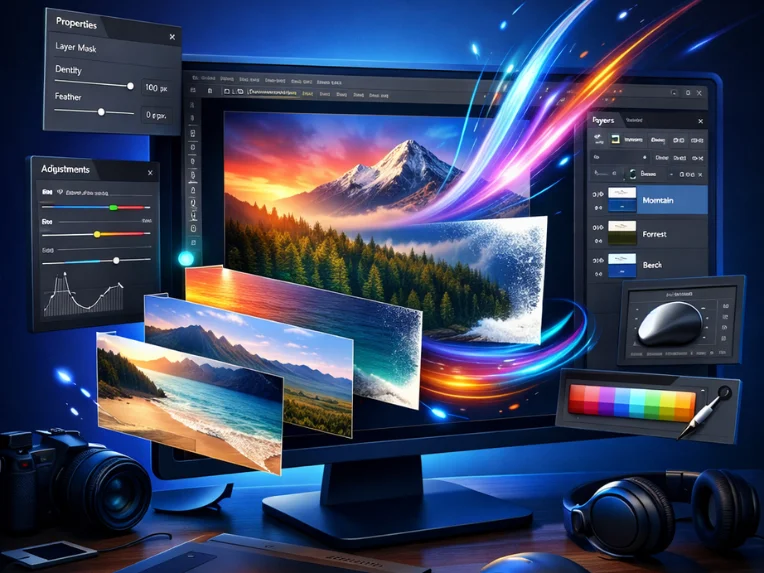
Work with layers and masks
Key Features of Adobe Photoshop
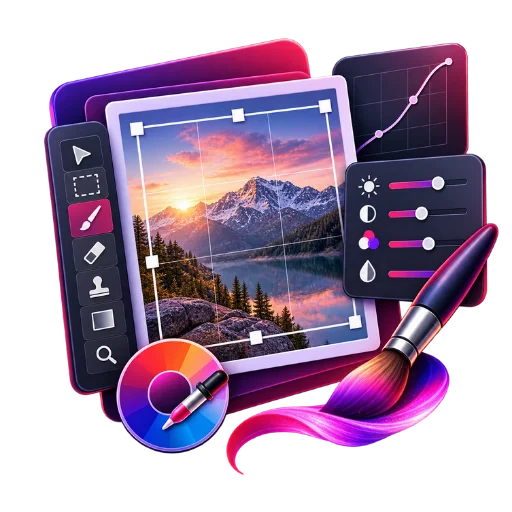
Advanced Photo Editing
Photoshop provides professional tools for correcting, enhancing and transforming photographs. You can adjust: Brightness, Contrast, Exposure, Color, Saturation, Sharpness, Texture, Lighting, Image composition. Photoshop also supports non-destructive editing workflows using layers, masks and adjustment layers.
AI-Powered Generative Fill
Generative Fill allows you to add, remove or replace elements in an image using natural-language prompts. You can select an area, describe what you want to create or change, and Photoshop generates variations that can be refined using Photoshop's editing tools. Use Generative Fill to: Add objects, Remove objects, Replace elements, Modify backgrounds, Explore creative concepts, Create variations of an image
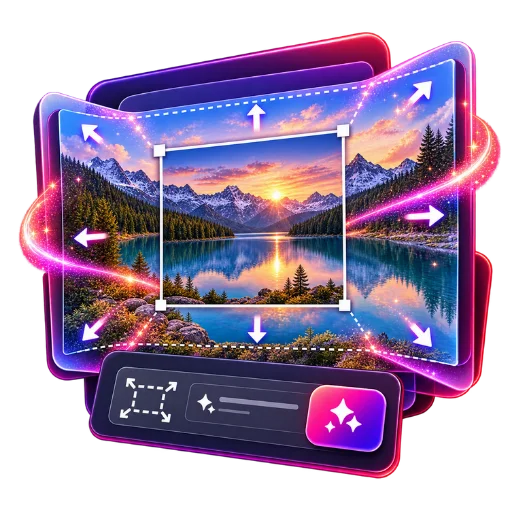
Generative Expand
Need more space around your image? Generative Expand lets you extend the canvas and generate additional image content that blends with the original scene. It can be useful for: Social media formats, Website banners, Landscape images, Wide-format graphics, Portrait extensions, Marketing creatives Adobe currently lists Generative Expand as one of Photoshop's AI-powered creative tools.
Generate Image
Create visual concepts directly from text prompts. Photoshop's Generate Image capability can transform descriptive prompts into visual content and help you explore ideas before refining them using Photoshop's professional editing tools. Ideal for: Creative concepts, Marketing visuals, Design exploration, Background creation, Concept artwork, Visual experimentation
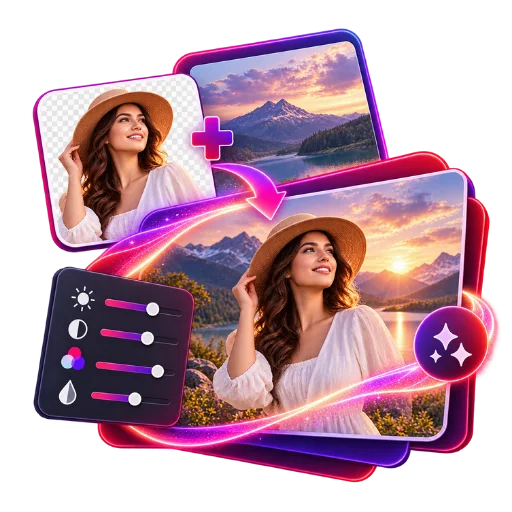
Harmonize
Blend people and objects into backgrounds more naturally with Harmonize. Harmonize automatically adjusts elements such as: Lighting, Colors, Shadows, Details This helps create more seamless image compositions.
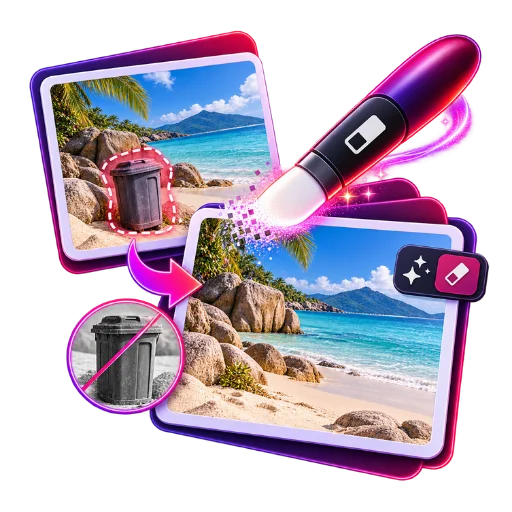
Remove Tool
Remove unwanted elements from your photographs with Photoshop's improved Remove Tool. Use it to clean up: People, Objects, Wires, Distractions, Background elements Adobe currently highlights improved Remove Tool capabilities for faster and more seamless image cleanup.
Generative Upscale
Improve image quality, clarity and sharpness using Generative Upscale. This can be useful when working with: Older photographs, Low-resolution images, Scanned images, Production graphics, Client project assets Adobe currently lists Generative Upscale as an AI-powered Photoshop feature.
Photoshop for Graphic Design
Photoshop isn't only for photo editing. Designers can use Photoshop to create: Social media posts, Website graphics, Advertisements, Banners, Posters, Digital artwork, Product graphics, Marketing materials, YouTube thumbnails, Promotional creatives Photoshop provides layers, text tools, shapes, brushes, masks and other design tools for creating detailed visual compositions.
Professional Background Editing
Select subjects and remove or replace backgrounds with precision. Photoshop provides selection and masking tools that allow you to isolate subjects and create more controlled compositions. Use background editing for: Product photography, Portraits, E-commerce images, Advertising creatives, Social media graphics, Marketing materials
Photoshop for Photographers
Professional photographers can use Photoshop for advanced image editing and retouching. Common workflows include: Portrait retouching, Skin correction, Color correction, Object removal, Background replacement, Image compositing, Exposure correction, Creative effects, Photo restoration, High-resolution image enhancement
Photoshop for Social Media Creators
Create content for Instagram, Facebook, YouTube, websites and other digital platforms. Photoshop can help you: Create social media graphics, Resize and adapt images, Remove backgrounds, Add text and branding, Create thumbnails, Design promotional graphics, Generate creative concepts, Prepare images for different formats
Photoshop for E-commerce
Create professional product images for online stores and marketplaces. Use Photoshop to: Remove product backgrounds, Clean up product photographs, Replace backgrounds, Correct colors, Remove unwanted objects, Create promotional banners, Prepare product images for websites
Photoshop on Desktop, Web & Mobile
Adobe provides Photoshop experiences across supported desktop, web and mobile platforms, depending on the subscription and feature availability. Photoshop on the web supports common workflows including image editing, layers, text, background removal, Generative Fill and Generative Expand.
This gives creators greater flexibility to work across different devices and locations.
Adobe Photoshop Benefits
Professional Editing
Access advanced tools for photo editing, retouching, compositing and graphic design.
AI-Powered Creativity
Use generative AI features to create, modify and enhance visual content.
Precise Control
Combine AI-assisted workflows with Photoshop's detailed manual editing tools.
Faster Workflows
Automate repetitive editing tasks and explore creative ideas faster.
Flexible Creation
Work across supported desktop, web and mobile experiences.
Professional Design
Create everything from simple social graphics to complex image compositions.
Built for Every kinf of Creators
Photographers
Edit, retouch and enhance professional photographs.
Graphic Designers
Create digital artwork, advertisements, social graphics and visual compositions.
Digital Marketers
Create promotional graphics, campaign assets and social media content.
Content Creators
Design thumbnails, posts, banners and other digital content.
Agencies
Create visual content for clients across different industries.
E-commerce Businesses
Prepare professional product images and promotional graphics.
Students & Learners
Learn professional photo editing and graphic design workflows.
Why Buy Adobe Photoshop from SoftwareSale?
SoftwareSale offers software licensing solutions for customers in India.
SoftwareSale Benefits
Genuine software licensing,Digital delivery,GST invoice,Secure payment
Product assistance,Customer support,Software licensing guidance. For subscription products such as Photoshop, customers should check the exact plan, subscription duration, account/activation method and included entitlements before purchasing.
Adobe Photoshop FAQ
What is Adobe Photoshop?
Adobe Photoshop is professional photo editing and graphic design software used to edit photographs, create graphics, retouch images, build composites and produce digital artwork.
What can Adobe Photoshop be used for?
Photoshop can be used for photo editing, retouching, graphic design, image compositing, background removal, digital art, marketing graphics, product photography and AI-assisted image creation.
Does Photoshop have AI features?
Yes. Photoshop includes AI-powered features such as Generative Fill, Generative Expand, Generate Image, Generative Upscale, Generate Background and Harmonize.
What is Generative Fill in Photoshop?
Generative Fill uses AI to add, remove or replace content in an image using natural-language prompts. It can generate variations that can then be refined using Photoshop’s editing tools.
Can Photoshop remove backgrounds?
Yes. Photoshop provides subject-selection and background-removal tools that can help isolate people, products and other objects from backgrounds.
Can Photoshop remove unwanted objects?
Yes. Photoshop’s Remove Tool can help remove unwanted people and objects from images. Adobe currently highlights an improved Remove Tool for faster and more seamless results.
Can Photoshop generate images using text?
Yes. Photoshop includes Generate Image, which can transform descriptive text prompts into visual content for creative exploration.
Does Photoshop support Generative Expand?
Yes. Generative Expand can extend an image beyond its original canvas and generate content that blends with the existing image.
Can Photoshop be used for graphic design?
Yes. Photoshop can be used to create social media graphics, advertisements, banners, posters, digital artwork, website graphics and other visual designs.
Can I use Photoshop for professional photography?
Yes. Photoshop is widely used for professional photo editing, retouching, compositing and image manipulation.
Can Photoshop be used for e-commerce product images?
Yes. Photoshop can help businesses remove backgrounds, correct colors, clean up product images and create promotional graphics for e-commerce.
Does Photoshop work on Windows?
Yes. Adobe provides Photoshop for supported Windows systems. The current desktop requirements include supported Windows 10 and Windows 11 versions, subject to the specific Photoshop version.
How much RAM does Photoshop require?
Adobe’s current minimum requirement for Photoshop 27.x and later on Windows is 8 GB RAM, while Adobe recommends 16 GB or more for better performance.
Does Photoshop require a graphics card?
Yes. Adobe’s current requirements specify a GPU supporting DirectX 12 with Feature Level 12_0 or later and at least 1.5 GB of GPU memory.
Is Adobe Photoshop a lifetime license?
No. The current Photoshop product is offered as a subscription. A 1-year subscription provides access for the applicable subscription period rather than permanent lifetime ownership.
Can I use Photoshop on multiple devices?
The number of devices and activation rules depend on the Adobe plan and account. Check the specific plan supplied with your purchase for current device and activation terms.
Does Photoshop include cloud storage?
Adobe’s current individual Photoshop plan includes 100 GB of cloud storage. The exact storage entitlement depends on the purchased Adobe plan.
Does Photoshop include generative credits?
Yes. Adobe’s current plans include generative credits, but the number varies by plan. The current individual Photoshop plan shown on Adobe India lists 25 monthly generative credits.
Is Photoshop available on mobile?
Yes. Adobe provides Photoshop experiences on supported iPhone and iPad devices, with feature availability depending on the plan and platform.
Can I use Photoshop in a web browser?
Yes. Photoshop on the web provides supported editing capabilities directly in a browser, including layers, text, background removal and AI-powered tools.
Is Adobe Photoshop suitable for beginners?
Yes. Photoshop has professional tools for advanced users while also providing tutorials and guided learning resources that can help beginners learn photo editing and design workflows.
Where can I buy Adobe Photoshop in India?
Adobe Photoshop can be purchased directly from Adobe or through eligible Adobe partners and resellers. SoftwareSale offers Adobe Photoshop licensing options for customers in India.
How long is the SoftwareSale Photoshop license valid?
The current SoftwareSale product is listed as a 1-year subscription.
Latest Updates


Raghav Nanda (verified owner) –
My daily use item now. Can’t live without it.
Pooja Nair (verified owner) –
Stylish and functional. Loved it.
Aashna Luthra (verified owner) –
Impressive quality. Definitely not a cheap knockoff.
Atharv Sehgal (verified owner) –
It arrived early and exactly as shown in the pictures.
Neha Kapoor (verified owner) –
Solid build and smooth experience overall.
Ankit Solanki (verified owner) –
Matches the description 100%. Very satisfied.
Iqra Shaikh (verified owner) –
Impressed by the packaging and timely delivery.
Myra Talwar (verified owner) –
Met all my expectations. Thank you!
Priya Shah (verified owner) –
This has become my go-to product now.
Kavya Joshi (verified owner) –
Perfect for everyday use. Looks great too.
Trisha Bedi (verified owner) –
Works perfectly without any hassle. Thumbs up!
Lavanya Pillai (verified owner) –
Feels sturdy and well-made. Worth every penny.
Ankit Solanki (verified owner) –
Smart packaging and high-end quality feel.
Vanya Bansal (verified owner) –
Feels sturdy and well-made. Worth every penny.
Sana Irani (verified owner) –
The finish is excellent and it feels premium.
Tushar Khanna (verified owner) –
Stylish and functional. Loved it.
Arjun Thakur (verified owner) –
The finish is excellent and it feels premium.
Yash Saxena (verified owner) –
The quality is top-notch. Will buy again.
Harshit Lamba (verified owner) –
Good value for money. No complaints so far.
Rohan Mehta (verified owner) –
Excellent product, works as described. Highly recommended!